Best Portable Monitor for MacBook
 By Raimundo Oliveira, founder & editor · Published · Updated · Products hand-picked and curated, updated daily
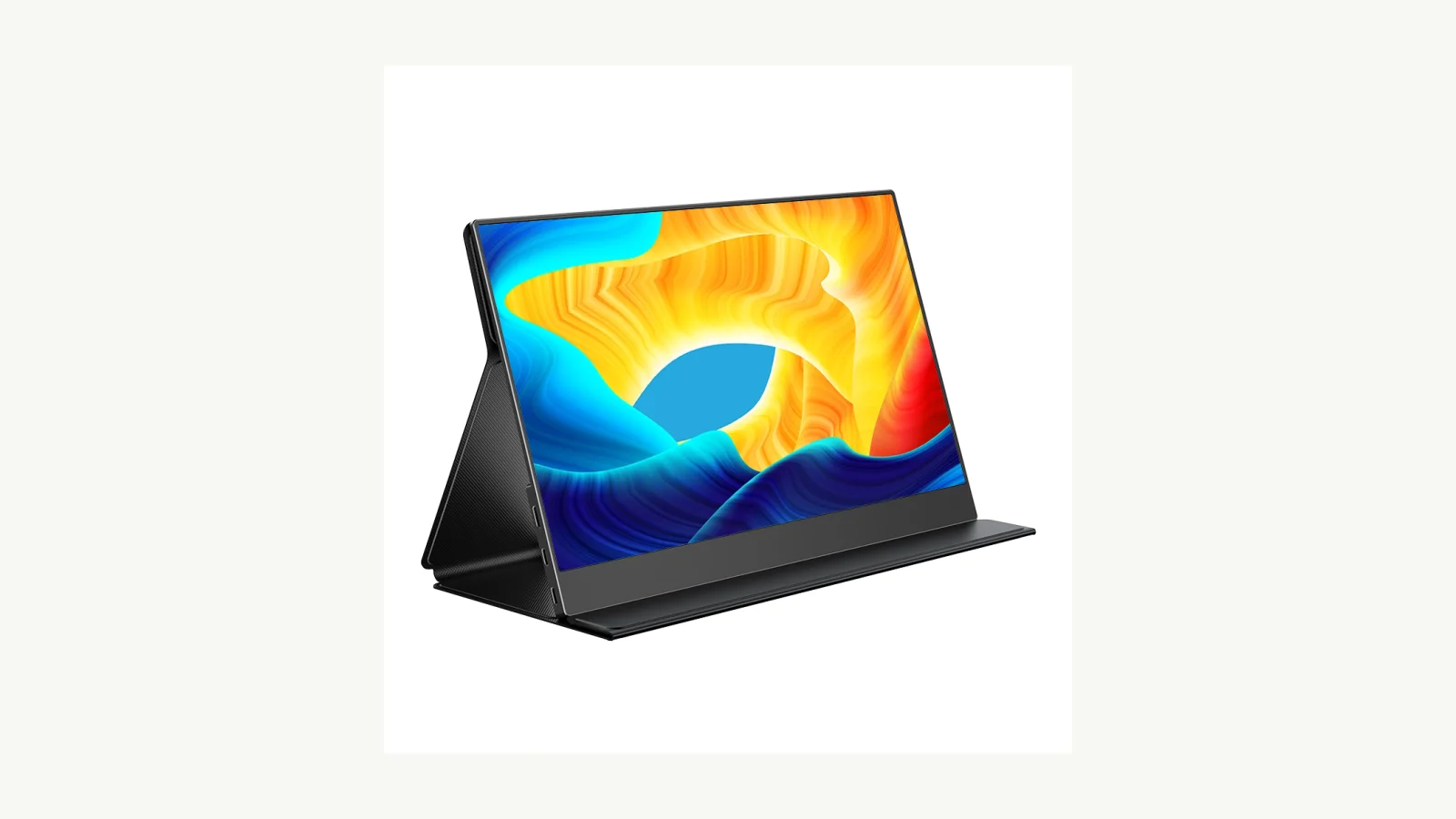
For a MacBook, the UPERFECT BE133BU 13.3-inch 4K OLED ($279.99) matches the laptop's sharp, color-rich screen. On a budget, the BE156VF runs on one USB-C cable for $129.99.
Our picks at a glance
- Best match for MacBook: UPERFECT BE133BU 13.3" 4K OLED Monitor for MacBook — 13.3-inch 4K OLED with 109% DCI-P3. (USD 279.99, reference 2026-11-12)
- Best budget single-cable: UPERFECT BE156VF 15.6" VESA Portable Monitor — 15.6-inch 1080p over one USB-C cable. (USD 129.99, reference 2026-11-12)
- Best 4K with touch: UPERFECT BE157BU 15.7" 4K Touchscreen Monitor — 15.7-inch 4K touchscreen with HDR. (USD 299.99, reference 2026-11-12)
- Best for bright rooms: UPERFECT BE16CU 16" 4K 1200-Nit Sunlight-Readable Monitor — 1200-nit 4K screen readable outdoors. (USD 279.99, reference 2026-11-12)
- Best small OLED: UPERFECT GR14BU 14" 3K OLED 120Hz Touch Monitor — 14-inch 3K OLED at 120Hz. (USD 399.99, reference 2026-11-12)
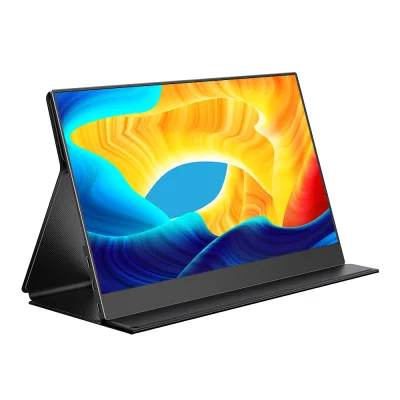
UPERFECT BE133BU 13.3" 4K OLED Monitor for MacBook
A 13.3-inch 4K OLED portable display with 109% DCI-P3 color, sized to pair with a MacBook.
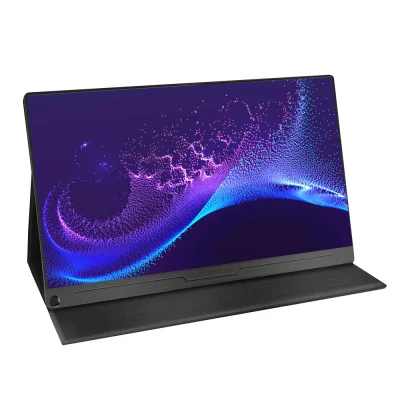
UPERFECT BE156VF 15.6" VESA Portable Monitor
A 15.6-inch 1080p portable monitor that runs on one USB-C cable and can pass power through to your laptop or phone.
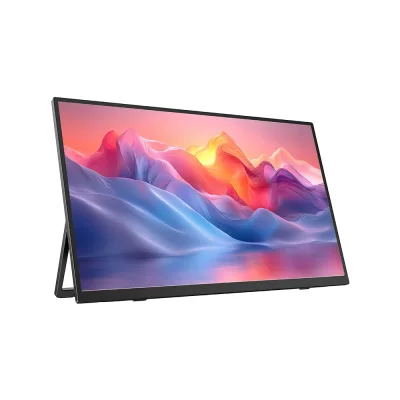
UPERFECT BE157BU 15.7" 4K Touchscreen Monitor
A slim 15.7-inch 4K UHD touchscreen with HDR, made as a second screen for work and travel.
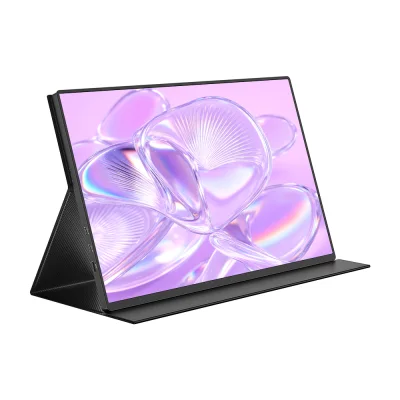
UPERFECT BE16CU 16" 4K 1200-Nit Sunlight-Readable Monitor
A 16-inch 4K (3840 x 2400) HDR monitor rated at 1200 nits so it stays readable in bright sunlight.
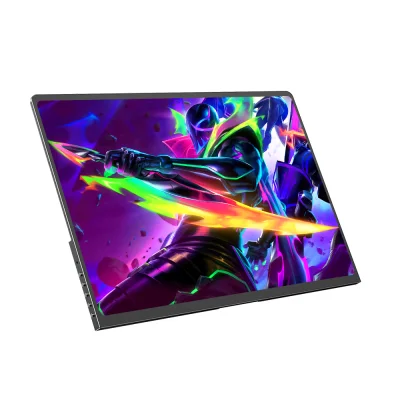
UPERFECT GR14BU 14" 3K OLED 120Hz Touch Monitor
A compact 14-inch 3K OLED touchscreen at 120Hz with deep blacks and vivid color.
MacBook owners usually want a second screen that is sharp, slim and runs on one USB-C cable.
How we chose
We compared the published specifications, reference prices and listed pros and cons of products in our catalog. We have not tested these products. Prices were checked on November 12, 2026, and can change at the retailer.
Match the MacBook display
OLED and 4K panels look closest to a MacBook screen. The BE133BU lists 109% DCI-P3 color; 4K needs scaling in macOS settings.
One cable
USB-C models carry video and power over a single cable on Macs that support USB-C video.
Working outdoors
The BE16CU reaches 1200 nits, which helps in bright rooms or outside.
Check before buying
Base M-series MacBooks may limit how many external displays you can connect; confirm your model's support.
Frequently asked questions
Do portable monitors work with a MacBook over USB-C?
Yes, if the USB-C port supports video. Models like the UPERFECT BE156VF use one cable.
How many external displays can my MacBook use?
It depends on the chip; some base M-series MacBooks support only one. Check Apple's specs for your model.
Is OLED worth it for a second screen?
For photos and video, yes. OLED can show burn-in with static images, so avoid leaving fixed windows on for hours.
General shopping guidance. Verify exact specifications and retailer terms before buying. Our editorial policy